Developer Guides
Video Rendering API vs Editing and Generation APIs
Compare rendering, editing, and visual-authoring workflows, then choose the right boundary for automated video production with Zvid.
By Mina RamzyPublished Updated
Video Rendering API vs Editing and Generation APIs
A video rendering API turns a declared composition into a finished media file. A video editing API changes media or timeline data through programmable operations. A visual editor gives a person an interactive canvas and timeline. Real products often need more than one of these capabilities, so the useful question is not which label sounds better; it is where creative decisions happen and how the approved result becomes repeatable.
Zvid combines a browser-based visual editor with an API that renders the same project JSON. A creator can design and preview the project visually, save it as a reusable template, and hand the template ID and variables to an automated backend. A code-first team can create JSON directly and import it into the editor when visual review is useful.
The Zvid Editor overview and Rendering & Export guide show that round trip in the current product.
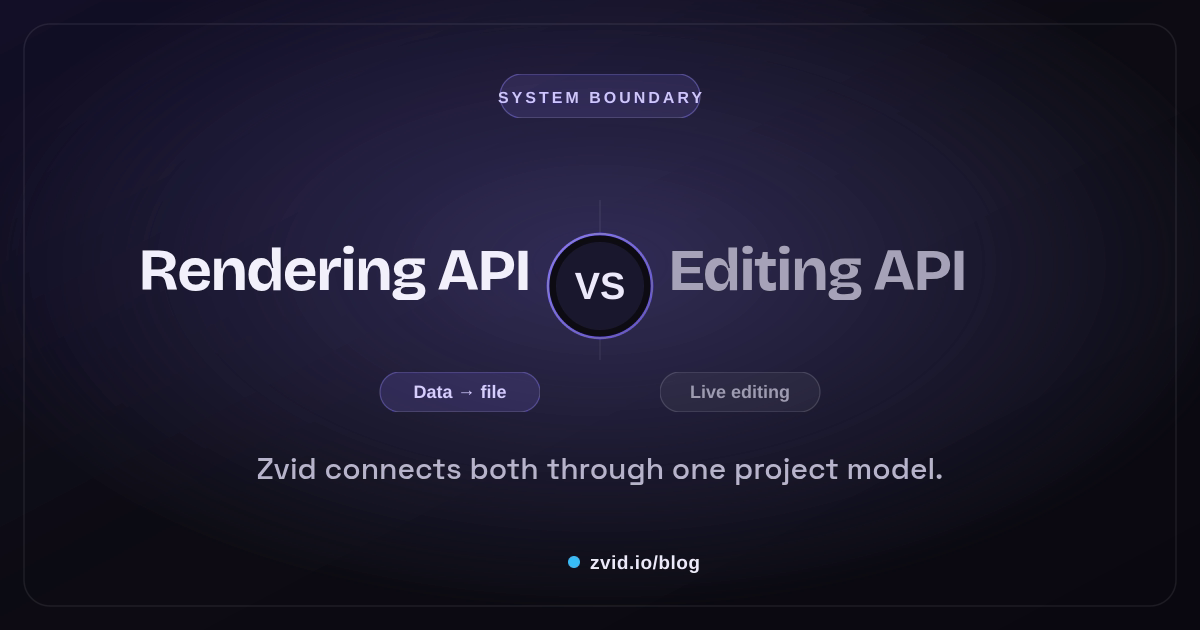
Rendered in Zvid from a reusable template with article-specific variables.
Define the terms by responsibility
“Video editing API” is not one universal contract. Vendors may use it for timeline construction, asset transformations, trimming, composition, template modification, or a render endpoint. Define what your application needs in verbs.
Rendering responsibilities
- Validate the resolved composition.
- Fetch or resolve media assets.
- Composite visual and audio layers over time.
- Encode a requested output format.
- Return asynchronous job state and a final URL.
Editing responsibilities
- Add, remove, trim, split, and reorder clips.
- Change text, style, position, timing, transitions, or effects.
- Create or update timeline/project data.
- Support undo, preview, and user interaction when editing is visual.
Automation responsibilities
- Choose a project or template version.
- Map application data into variables.
- Apply business rules and optional states.
- Submit direct or bulk renders.
- Handle jobs, webhooks, review, and publication.
Those responsibilities can live in one platform without becoming the same operation.
Compare the workflows, not only the endpoints
| Requirement | Interactive visual editor | Editing API or project mutations | Rendering API |
|---|---|---|---|
| A designer drags and resizes a title | Strong fit | Possible but awkward alone | Not the authoring surface |
| A user trims an uploaded clip | Strong fit | Strong fit | Renders the approved trim |
| A backend changes a customer name | Template variable is easy to preview | Possible mutation | Resolves and renders the value |
| A feed creates 500 variants | Not a manual task | Can build requests | Bulk rendering is the production path |
| A reviewer needs a finished MP4 | Preview helps | Project data is not the deliverable | Required |
| A system needs completion events | Optional | Optional | Job status and webhooks matter |
The mistake is choosing an interactive editor when the workload is actually deterministic data substitution, or choosing a bare render endpoint when non-developers must refine composition every week.
How Zvid joins visual editing and API rendering
The Zvid project is the shared artifact. It can contain scenes, visual elements, audio, subtitles, timing, transitions, output settings, and reusable variables.
In the editor, a team can:
- Move, resize, rotate, and layer elements on the stage.
- Trim clips and adjust scene timing on the timeline.
- Add uploads, public URLs, and stock media.
- Build rich text and graphics in Design Studio.
- Import and style subtitles.
- Define variables and preview resolved values.
- Save a draft, save as a template, render, or export JSON.
In the API, a backend can:
- Submit a complete project as
payload. - Render a stored
templatewith request variables. - Preview template resolution without a final render.
- Submit many variable sets through the bulk endpoint.
- Render still images from image projects.
- Receive completion through polling or webhooks.
This model avoids a common handoff problem: the visual editor does not produce a separate timeline format that engineering must re-create. It exposes the same project model.
Use templates when editing becomes data substitution
If a weekly campaign changes only the headline, image, CTA, color, and optional badge, those values should not require timeline mutations.
{
  "template": "tpl_xxxxxxxxxxxxxxxxxxxx",
  "variables": {
    "headline": "Your weekly product update",
    "heroImage": "https://cdn.example.com/week-29.webp",
    "accent": "#7C3AED",
    "showBadge": true,
    "badge": "NEW"
  },
  "overrides": {
    "name": "weekly-product-update-29"
  },
  "webhookUrl": "https://example.com/hooks/zvid"
}
The template stores the approved composition. Variables describe the intended edit surface. A boolean condition can remove an optional scene or element. An array plus iterate can create repeated scenes. That is safer than letting every caller modify arbitrary element coordinates and timing.
Use direct project mutation when the structure itself must change: generated charts, user-built timelines, or a product where editing is the core experience. Validate the complete resolved project before rendering.
Decide who owns the creative system
Ask these questions before selecting an architecture:
- Who changes layouts: designers, end users, developers, or an AI system?
- Are changes bounded variables or arbitrary timeline edits?
- Must a human preview values before high-volume rendering?
- Does the same approved design create many outputs?
- Does the application need image and video output from one composition model?
- How will jobs, bulk batches, webhooks, and publication state be stored?
- Can the visual artifact be versioned and reproduced?
Designer-owned template system
Use the editor to create and approve templates. Give the backend a narrow variable contract. This works well for product feeds, localized ads, agency variants, listings, reports, and personalized updates.
Developer-owned project system
Generate complete project JSON in code, validate it, and render directly. Use the editor as an inspection and refinement surface when helpful. This fits generated data visualizations, custom user timelines, and AI-assisted composition systems with a strict schema.
Hybrid system
Let designers own reusable scene systems and let developers assemble or select them. Store template/project versions and preserve the exported JSON. This creates flexibility without making every render request an unrestricted editing language.
A reference architecture
Creator or developer
        ↓
Versioned Zvid project
        ↓
Draft project or stored template
        ↓
Variables / direct project / bulk items
        ↓
Validation → render jobs → webhook
        ↓
Review → publication
The visual editor sits at the authoring and review boundary. The rendering API sits at the deterministic production boundary. The application owns source data, permissions, business logic, job state, and publishing.
Where video generation fits in the comparison
A video generation API may describe template rendering, generative media, or both. Ask what the service receives and what it returns. A prompt-driven API may synthesize a new clip; an image generation service may create a still; a video editing API may trim or transform an existing video; and a rendering API may composite approved inputs into the final output.
Those categories can share an application workflow without sharing a contract. A product may generate an image, place it in a reviewed Zvid template, create video variants programmatically, and deliver them through one job ledger. The prompt and model settings belong to the generation record. The resolved project and template version belong to the render record.
When comparing video generation APIs, include the operational surface: API key handling, validation, editor handoff, templates, webhooks, bulk requests, and image output. Labels such as no-code, low-code, or developer-first do not answer whether an application can reproduce a result. Test one real use case with the same media, copy, and approval rule before choosing a boundary.
A vendor-neutral integration test
Create one test record and run it through the categories you are considering. Use a generation model for a proposed asset, a video editing API for a trim or transform, and the rendering API for the final composition. Then repeat the test with an existing video, long text, a missing image, and a TikTok-sized output.
If products such as Shotstack, Creatomate, JSON2Video, or another service appear on the shortlist, compare their current official documentation for the exact workflow—not only “has an API.” A Python proof of concept can be useful, but the durable result is the contract: which video APIs own media creation, which own video templates, and which deliver automated video at scale.
One API call should expose its pipeline stage
Name the stage in code and data. A generateAsset() call may invoke a video generation model such as Veo or Sora; editSource() may trim existing video; renderComposition() may submit a JSON object to Zvid. The job record should say which API call created which artifact.
That naming helps teams automate professional video creation without collapsing every service into an “AI video generator.” Product videos may use all three stages, while a deterministic report video may use only the rendering API. The same video workflow can produce videos programmatically and support production at scale because each stage has a bounded input and retry policy.
Watch a real visual comparison rendered by Zvid
The demo below is adapted from Zvid's published Manual vs Automated template. It is a designed split narrative rather than a generic diagram: one sequence shows repeated manual changes, the other shows a stable template receiving structured values.
A real Zvid render adapted from the published saas-comparison example for this workflow.
The video itself demonstrates the architectural point. A comparison can be designed visually once, saved as a template, and rendered with new labels and examples through the API.
What a rendering API should not decide
Do not push these application responsibilities into the renderer:
- Whether a price is legally approved
- Which customer is allowed to see a personalized result
- Whether generated copy passed brand review
- Which template version a campaign should use
- Whether a completed file should publish
- Whether a retry is safe or would duplicate an output
The renderer should receive an explicit project or template request. Business meaning should already be resolved.
Common architecture mistakes
Building a visual editor for a variables-only product
If users only replace known fields, a template form may be a better product than a full timeline editor.
Treating a finished editor project as unversioned UI state
Export or store the underlying project and template version. Reproducibility matters when a campaign must be regenerated.
Letting callers mutate every field
Expose declared variables for routine changes. Reserve arbitrary project editing for trusted, validated workflows.
Calling completion “published”
Rendering and publication are separate states. A successful output may still require creative, legal, or data review.
Comparing products only by “has editor”
Inspect the handoff: can the visually authored result become an API-ready, reusable, versioned asset with the data controls you need?
For the smallest direct render, see How to Generate a Video from JSON. For the broader production model, use the JSON-to-Video API Guide. The Creatomate comparison applies the same separation to a platform evaluation.
FAQs
Is a video rendering API the same as a video editor?
No. A rendering API produces a file from a declared composition. A visual editor is an interactive authoring surface. They can share one project model, as they do in Zvid.
Do I need an editing API to personalize templates?
Not necessarily. If personalization is bounded, declared template variables are safer and simpler than arbitrary timeline mutations.
Can the Zvid Editor export API-ready JSON?
Yes. The editor works on the same project model as the API and can export the payload or save the project as a reusable template.
Choose the narrowest editing surface that supports real users, and the clearest rendering boundary that supports reliable production. Zvid is most valuable when those two surfaces remain connected by the same inspectable project.